


I approached Web Video Caster Receiver as a practical question rather than a simple download decision: when is a dedicated receiver useful, and when is the regular casting option on a phone, television, or streaming box already enough? This app is made by InstantBits Inc and belongs to the video players and editors category, but its role is more specific than a general video player. It works as the receiving side for the Web Video Caster mobile app, so its value depends on how often you want to send web video from one device to another.
That distinction matters. I would not install it expecting a full streaming library, a replacement for a smart-TV operating system, or an editor for saved clips. I see it as a small companion tool that helps turn a compatible screen into the destination for video selected elsewhere. It is free, rated for Everyone, and supports Android devices running 5.0 or later. Those details make it easy to try, but the real decision comes down to your household setup and whether you prefer a focused receiver over a broader media solution.
How I Decided Whether It Was Worth Using
The first question is how you watch web video
My starting point was simple: if most of your viewing happens inside official apps on a television, a receiver like this may not change much. Those apps already know how to play on the larger screen, and many televisions include their own casting controls. In that situation, adding another component can feel unnecessary.
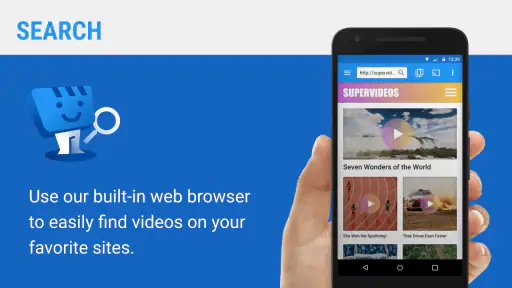
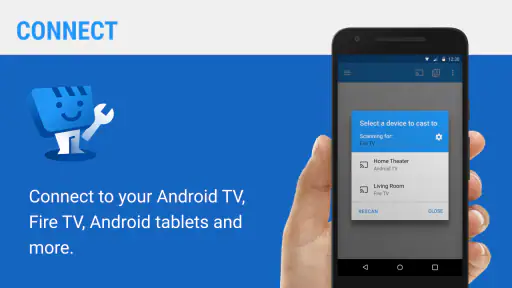
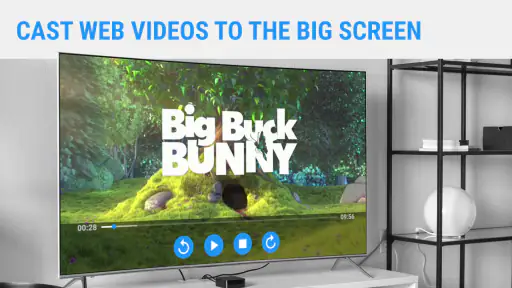
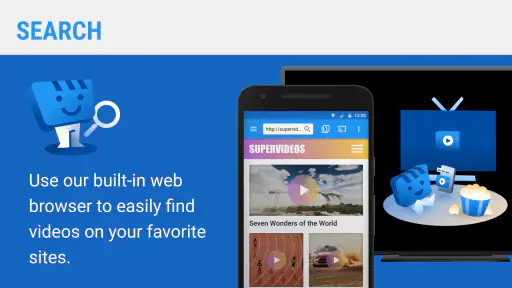
The case becomes stronger when the video begins in a mobile browser or in a web page that does not offer a convenient television app. Instead of holding the phone for the whole session, I can use the Web Video Caster mobile app to find the content and send it to a receiving device. The receiver then has a clear job: accept that handoff and present the video on the chosen screen.
This workflow is especially useful for people who regularly discover clips, lectures, independent programs, or other browser-based material on a phone. It also suits households where one person controls the source device while another wants the television free for viewing. The key benefit is not a larger catalog. It is the separation between browsing and watching.
What I checked before relying on it
I paid attention to the parts that can make a casting setup feel effortless or frustrating. The receiver is only one part of the chain. The source phone, the receiving device, the network connection, the web page, and the video format all influence the result. A smooth experience starts with both devices being ready to communicate and ends with the source app identifying a playable stream.
That means I would not judge this app as if it controlled every video on the internet. A web page may use a player that behaves differently from a straightforward video page, or it may change the way its content is delivered. When that happens, the receiver cannot magically turn an incompatible source into a reliable television stream. This is an important trade-off compared with a service that owns and controls its entire catalog.
I also considered whether the receiver is appropriate for a shared screen. Because its purpose is narrow, it can be easier to understand than a large media center with menus, libraries, and multiple accounts. On the other hand, people who want one app to organize local files, subscriptions, music, and network media may find this focused approach too limited.
A realistic evening use case
Imagine finding a long interview through a mobile browser while sitting on the sofa. Watching the whole thing on a phone is tiring, but opening a television app may not be possible because the program is hosted on a web page rather than in a familiar streaming service. I would use the phone to locate the page, choose the receiver as the destination, and then keep the phone available for browsing without making it the main screen.
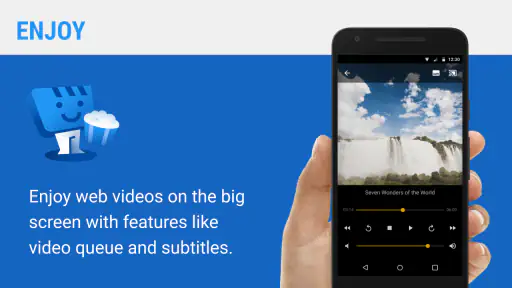
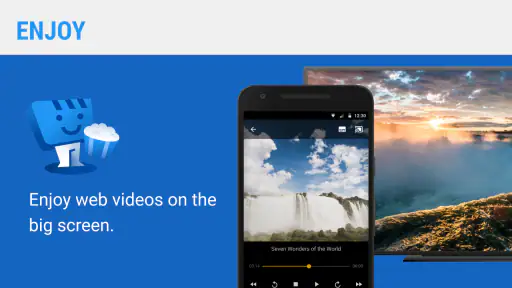
That arrangement also helps when the video is part of a larger browsing session. I can look for the next item on the phone while the current one plays on the television, rather than interrupting playback every time I want to search. The receiver is most useful in this kind of handoff: the phone handles discovery and selection, while the larger display handles viewing.
Where the receiver is genuinely convenient
The strongest advantage is its focused role. A dedicated receiver does not need to compete with a full catalog or persuade me to change where I find content. It supports a workflow I may already have: browse on the phone, then move the viewing experience to a larger screen. For web-first viewing, that can be more natural than searching for the same material inside a television interface.
Another useful detail is that the receiver can reduce the need to keep the phone physically tied to the viewing position. That does not mean the phone becomes irrelevant; it remains part of the control process. But the distinction between controller and display is valuable when I want to continue using the handset without covering the screen or draining attention from the video.
I also like the low commitment. There is no purchase decision because the app is free, and the Everyone content rating makes it broadly approachable for a household device. Its current version is 2.2.0, and the Android requirement reaches back to version 5.0, which gives owners of older compatible phones a reasonable chance to use the receiver without replacing hardware solely for this purpose.
Three practical habits that improve the experience
First, I would test the complete path with a short video before settling in for something long. This quickly reveals whether the source page, phone, network, and target screen are cooperating. It is better to discover a compatibility issue during a brief test than after preparing snacks and expecting a full program to play.
Second, I would keep the source phone charged and close enough to manage the session. Casting moves the viewing destination, but it does not remove the phone from the workflow. Treating the receiver as a replacement for the source app can lead to confusion; treating it as the playback endpoint is more accurate and usually easier.
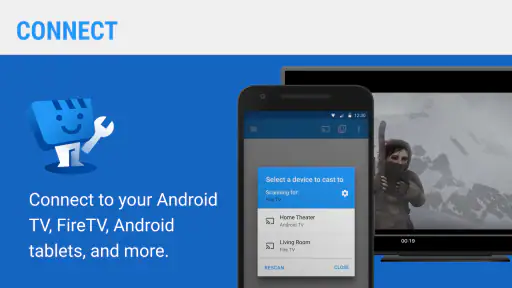
Third, I would separate problems by stage. If the phone cannot find the receiver, I would look at the connection between devices. If the receiver is found but a particular page will not play, I would suspect the source page or its delivery method before blaming the display. This simple diagnostic habit prevents a lot of unnecessary reinstalling and makes the setup less mysterious for other people in the home.
Where a broader alternative may fit better
The usual alternatives fall into several categories. A television’s built-in casting feature is often the simplest choice for supported apps because it removes an extra receiver layer. If I mainly watch well-known services with native television applications, I would start there. The advantage is a more direct path from catalog to screen, with fewer steps between choosing a program and pressing play.
A streaming box or smart-TV platform is a better fit for someone who wants a permanent living-room interface. Those systems are designed for remote control, app installation, profiles, and content discovery on the television itself. Web Video Caster Receiver is not trying to provide that complete environment. Its strength is the mobile-to-screen bridge, not the management of an entire home entertainment library.
Screen mirroring is another alternative, but it solves a slightly different problem. Mirroring copies the phone’s display, which can be useful when a page does not cooperate with a casting workflow. The drawback is that the phone remains visibly involved in everything shown, including notifications or accidental navigation. A receiver-based approach is cleaner when the source can hand over a playable video rather than duplicating the whole screen.
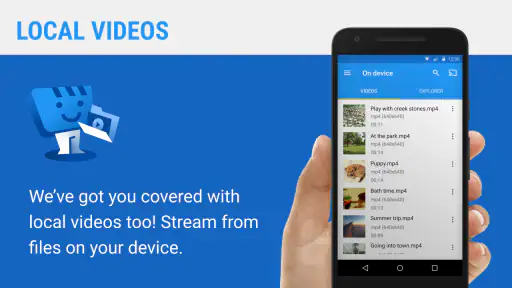
For local files, a media player with network sharing or direct television support may be more suitable. Someone with a carefully organized collection of downloaded videos probably wants browsing, sorting, subtitles, and file management first. This receiver is more compelling for web discovery than for building a personal media library.
The limitations I would explain to a friend
The biggest limitation is dependency. The receiver does not create content and does not guarantee that every web video can be transferred. The source application must identify something playable, and the receiving setup must accept it. A user who expects one universal button for every page may be disappointed when a particular site behaves differently.
There is also a learning curve in understanding the two-app relationship. A person searching only for a standalone television player may wonder why the receiver feels incomplete. That is not a flaw in its intended design, but it is a poor match for someone who wants to browse directly on the receiving device. I would explain the companion-app requirement before recommending it, especially to relatives who prefer a single-screen experience.
Network conditions can create another source of friction. Even when the receiver is installed correctly, a weak or inconsistent connection can interrupt the handoff or playback. The app cannot remove that underlying dependency. If your home network already struggles with video, a different receiver may not solve the core issue either, although a native television app could sometimes offer a simpler route.
Finally, the focused design means fewer reasons to open it when I am not casting from the web. It is not an all-purpose video hub. That narrowness is a benefit for the right workflow, but it also means the app may sit unused by people whose viewing habits are centered on subscription apps, local files, or direct television search.
What the public response suggests
The app has an average rating of 3.8 from around 7.6 thousand ratings, with more than 200 written reviews. I read that kind of response as a sign to keep expectations practical rather than assuming universal compatibility. A receiver can work very well in one device-and-network combination and feel unnecessary or troublesome in another.
It has passed the five-million-install mark, which shows that the companion approach is familiar to a substantial Android audience. That does not guarantee that every web source will behave identically, but it does make the app easier to consider as an established part of a casting workflow rather than an obscure experiment.
Who should install it, and who should skip it
I would recommend trying it if you frequently discover video in a mobile browser and want a larger viewing screen without mirroring the entire phone. It is also worth considering for an older compatible Android device that you want to use as a source or household controller, provided your receiving setup supports the intended workflow.
I would be more cautious if your viewing is already handled comfortably by official television apps. In that case, this receiver may add steps without adding much value. I would also steer away from it if your priority is local-file organization, a remote-first television interface, or a complete replacement for a smart-TV platform.
For families, I would make the decision based on the least technical user. If everyone is comfortable selecting content on a phone, the receiver can be convenient. If the television must be usable without a phone nearby, a dedicated streaming platform is probably a better fit. The right choice is less about which option sounds more advanced and more about where you want the act of browsing to happen.
My recommendation after using it as a decision guide
My recommendation is conditional but positive: choose Web Video Caster Receiver when your main problem is getting browser-based video from a mobile device onto a larger screen. Its free price, broad age rating, and support for Android 5.0 or later make experimentation easy, while its focused design keeps the basic purpose understandable once the companion-app relationship is clear.
I would not present it as a universal replacement for native casting, screen mirroring, or a streaming box. Those alternatives are better in specific situations: official apps for direct service playback, mirroring for pages that cannot hand over a stream, and streaming platforms for a complete living-room system. The receiver earns its place when mobile discovery is central and the television is primarily the destination.
After its release on December 22, 2019, the app has remained a recognizable tool in the Web Video Caster ecosystem, and InstantBits Inc has kept the receiver available in a current 2.2.0 release. My final advice is to test one or two of the web sources you actually use, not an idealized example. If that short trial feels natural, this small receiver can remove a surprisingly annoying gap between finding a video and enjoying it properly. If the trial exposes repeated source limitations, your time is better spent with the television’s native apps or a broader media solution.
The deciding question is simple: do you want your phone to find the video while another screen plays it? If the answer is yes, this app is worth trying. If you want the television to handle discovery, libraries, and playback on its own, I would choose a different category of tool.


